


Artwork Guidelines
To get the best results from your label print, we recommend following these key artwork guidelines. Clear, correctly sized files help avoid delays — and ensure your designs look just as you expect.
Preferred File Format
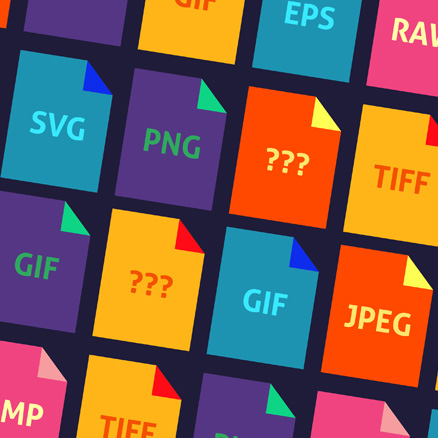
We accept Adobe Illustrator (.ai), editable PDF, EPS, SVG, PSD or high-resolution PNG files.
Resolution
150dpi minimum at actual print size. For sharper results, 300dpi is ideal. Low-res files can appear soft or pixelated, especially on fine text or detailed graphics.
Bleed & Safe Zones
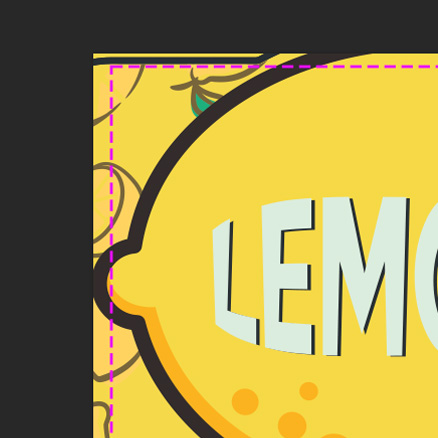
Add 3mm bleed on all sides and keep important content at least 3mm from edges.
Colour Setup
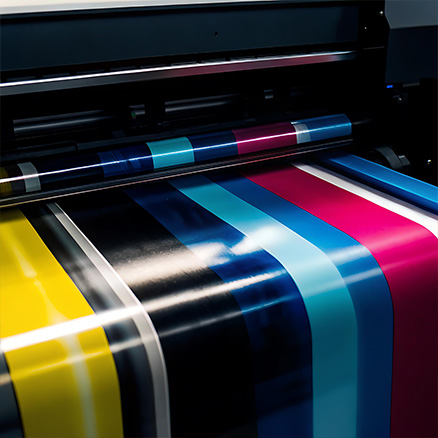
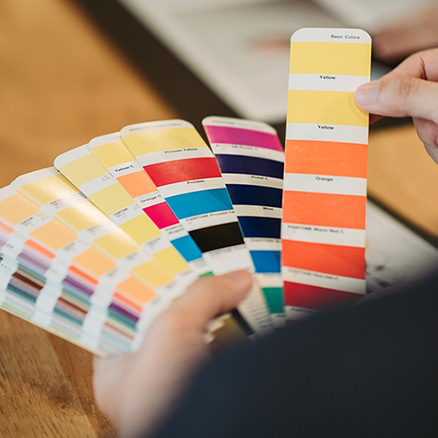
Use CMYK or Spot Colours. Pantone references are fine for matching.
Fonts
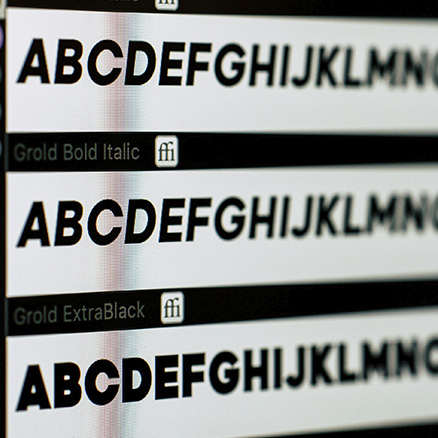
All fonts must be outlined, embedded, or attached with the artwork to avoid missing text.
Images
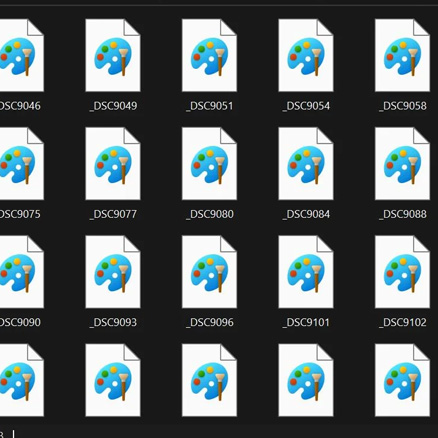
Ensure all linked images are embedded or supplied alongside the artwork files.
Layers
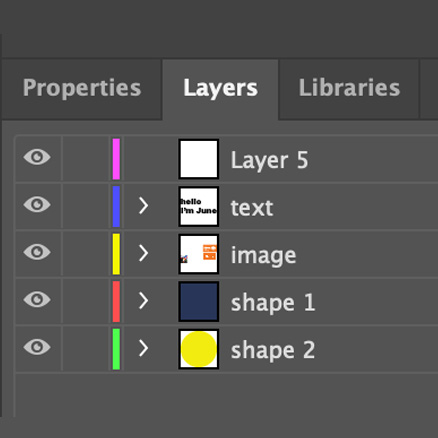
Keep artwork flattened or clearly label layers if layers are required.
Transparency & Effects
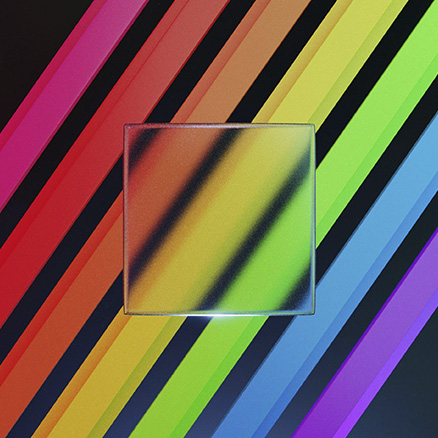
Avoid complex transparencies; flatten effects where possible to prevent printing issues.
Cut Lines & Guides
If custom shapes are used, supply a clearly marked cut line on a separate layer or as a spot colour named “Cut”.